
 0/3
 0
Get your app into the game
For indie hackers. Five steps, about ten minutes, no fee. Your product becomes a weapon and a shrine that thousands of runs fight with.
What you get
Your product, inside the game.

A weapon with your name
Your product becomes one of the game’s weapons. Players pick it, level it and evolve it in every run.
A shrine on the map
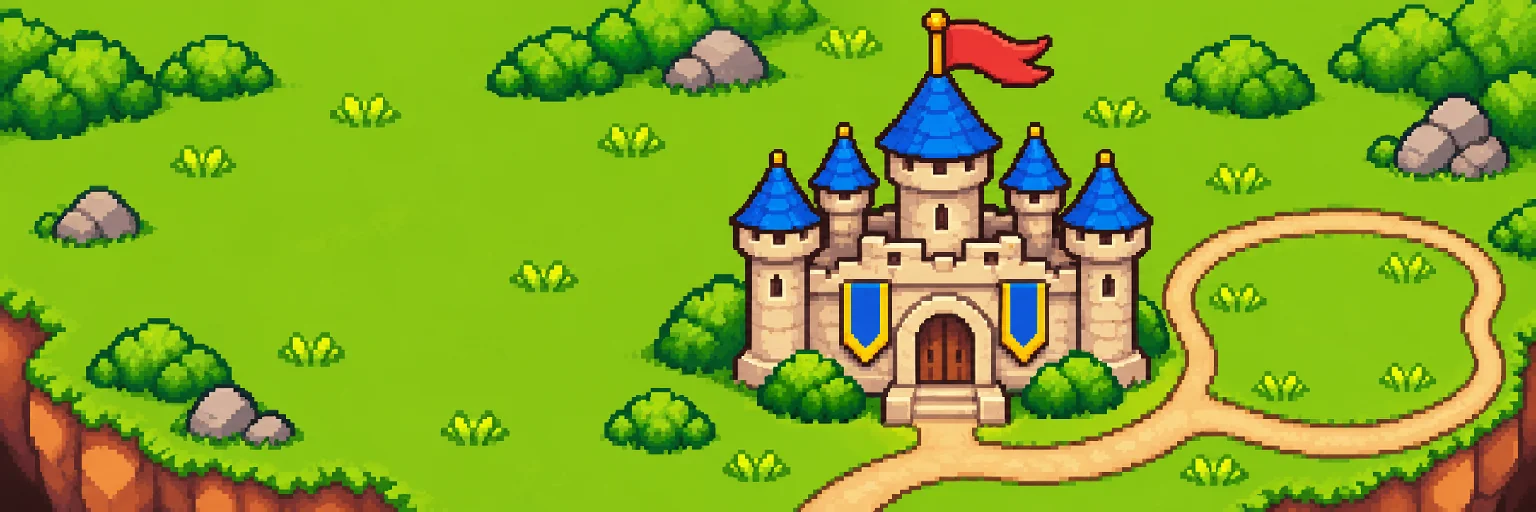
A house with your logo. Players stand in its ring for a free level-up that offers your weapon first, and a “Visit” button opens your site.

A listing page and backlink
A crawlable page on indielands.com that search engines and AI assistants can read, linking to your site.
Votes become power
Community votes level your weapon from 0 to 5 stars. A live badge on your homepage adds +1 on top.
Two ways in
Pick the path that fits your site.
One line of HTML on your homepage. Live in minutes, no waiting for a review, and your weapon gets +1 power while the badge stays up.
Get my badgeNo site changes. AI drafts your page from your URL, you fix the facts, we review it and publish. You can add the badge later for the +1.
Request a reviewThe badge path, step by step
Five steps. Then you are in the game.
Get your badge 1 minute
Open Claim your land, paste your product’s HTTPS homepage and press Get my badge. You get three things: your personal badge line (one
<a>tag with a unique claim code), a ready-made prompt for your coding agent, and your owner details (a claim ID and an owner token). Save the owner details somewhere safe. They are the only way back into your listing from another browser.
Paste the badge on your homepage 3 minutes
Put the badge line anywhere in your homepage’s HTML. The footer works well. Keep the tag exactly as given, including the
data-domain-claimcode, then deploy. If an agent builds your site, paste the prompt we gave you and it does this for you. The badge has to be in the page’s initial HTML. A badge added only by JavaScript after load cannot be detected. Check with “View source” on your live homepage.Verify and go live 30 seconds
Back on Claim your land, press Check badge & go live. We fetch your homepage, find the badge, generate your profile from your own site and publish it. Your product joins the leaderboard at once, and from the next day’s run it is a weapon and a shrine in the game.
Verification has a deadline, shown next to your badge. Miss it and you simply start a new claim.Check your listing 2 minutes
Open My land. It shows your status, your public listing page, and the clicks players send to your site. Name, description or category wrong? Use Request profile changes on the claim page; edits are reviewed before they publish, so nothing changes under you.
Your logo is picked up from your site automatically and refreshed every few hours.Power it up ongoing
Share your listing page with your users and ask for a vote. Votes raise your weapon’s power from 0 to 5 stars for every player, every run. Keep the badge live for +1 more. The top-voted products become the run’s weapons and shrines, and last week’s champion guards the final floor.
Early makers get the most visible spots on the map. The leaderboard rewards a steady trickle of real votes, not a one-day spike.
If something goes wrong
Straight answers.
- “Badge not found” when I verify
- Open your live homepage, use “View source” and search for data-domain-claim. If it is missing, the badge was injected by JavaScript, is on a different page, or your CDN is still serving the old HTML. Redeploy, purge the cache and check again.
- I lost my owner token
- On Claim your land, open “Already claimed? Restore owner access” and enter your claim ID and owner token. Without both, start a new claim with the same URL and verify again; the old one expires on its own.
- Can I list without touching my site?
- Yes. Choose “Request a review” on Claim your land. AI drafts your name, description and category from your URL, you correct it, and we review it before it publishes. You skip the +1 badge power, and you can add the badge later.
- Which weapon will my product be?
- Your category decides the weapon family (for example AI, Developer tools, Design or Marketing each roll their own kinds), and your product name becomes the weapon’s name. Votes and the badge decide how hard it hits.
- Does the badge link help my SEO?
- The badge links to indielands and raises its domain rating, which makes your listing page carry more weight in search and in AI answers. Your listing links back to your site. We never promise a specific link type or ranking.
- Is there a fee?
- No. Listing is free. The game is free. The only thing we ask is that the badge stays on your homepage while you want the +1 power.
Still stuck? Email support@indielands.com with your homepage URL and we’ll look at it.